

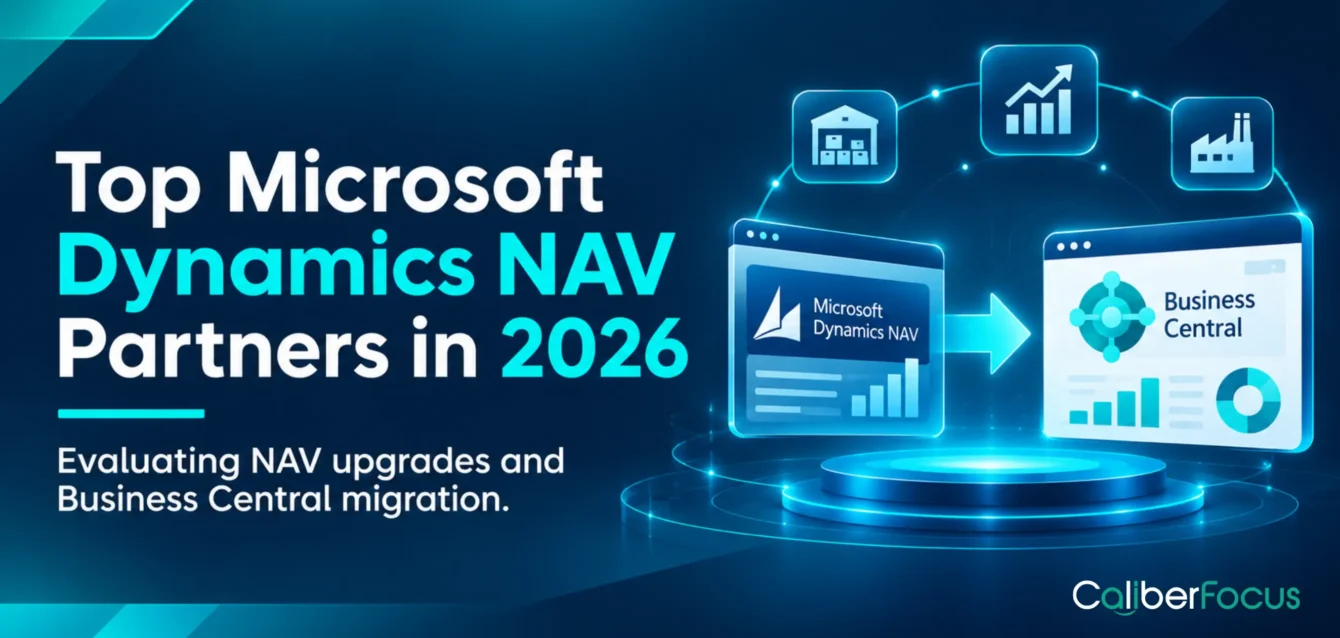
Choosing a Microsoft Dynamics NAV partner in 2026 requires more than comparing Business Central implementation services. Existing NAV customers depend on the system for financial reporting, purchasing, inventory valuation, order processing, production planning, and other business-critical operations. The right partner must understand how these processes interact with customizations, historical data, and connected applications.
For manufacturers, that may mean preserving production costing and bill-of-materials logic. For healthcare organizations, it may involve maintaining financial controls, departmental purchasing, and integrations with specialized operational systems.
The best Dynamics NAV partners help businesses determine what should remain operational, what needs modernization, and whether an upgrade, full migration, or Business Central reimplementation is appropriate.
How We Selected These Microsoft Dynamics NAV Partners
The shortlist considers documented NAV upgrade services, Business Central migration capabilities, customization modernization, integration expertise, and publicly available customer evidence.
Best-fit descriptions reflect published capabilities and relevant buyer requirements. They are editorial assessments, not independently tested performance rankings.
Best Microsoft Dynamics NAV Partners for Upgrades and Business Central Migration
1. CaliberFocus

Best suited for: Organizations evaluating NAV modernization alongside financial, inventory, reporting, and operational changes.
CaliberFocus provides Dynamics 365 Business Central and migration services for legacy ERP environments, including Dynamics NAV. Its approach covers source-system assessment, customization analysis, data mapping, integration dependencies, migration validation, and cutover planning.
For healthcare organizations and manufacturers, the assessment should establish which existing financial and operational processes must be preserved, redesigned, or integrated with other systems.
What to verify: NAV-version-specific delivery experience, relevant industry references, and customization conversion requirements.
2. ArcherPoint

Best suited for: NAV customers with extensive customizations and third-party add-ons.
ArcherPoint documents an ONICON manufacturing migration from NAV 2017 to Business Central online. The engagement involved add-on compatibility, converting customizations to AL, migration rehearsals, and resolving an integration issue.
This is particularly relevant when legacy modifications affect business-critical transactions.
What to verify: Customization conversion scope, add-on compatibility, and cutover rehearsal requirements.
3. Western Computer
Best suited for: Manufacturing and distribution businesses with connected financial and operational processes.
Western Computer offers NAV-to-Business Central migration services covering readiness assessment, customization review, integrations, deployment, and stabilization.
Organizations with production, purchasing, inventory, and warehouse dependencies should examine how these workflows will be validated together.
What to verify: Industry-specific application compatibility, inventory reconciliation, and post-go-live responsibilities.
4. Innovia Consulting

Best suited for: Long-term NAV customers requiring upgrade planning and ongoing application assistance.
Innovia Consulting provides NAV upgrades, custom development, and Business Central services across manufacturing, distribution, warehousing, and finance.
Its planning-led approach is relevant when organizations must maintain existing NAV operations while preparing their next ERP environment.
What to verify: Source-version expertise, customization remediation, and maintenance arrangements during transition.
5. Velosio

Best suited for: Businesses with significant warehouse, shipping, payment, and application integration dependencies.
Velosio documents a NovaVision migration involving NAV, Business Central, warehouse and shipping applications, and connected business systems.
This highlights an important migration consideration: replacing or upgrading ERP functionality may also require changes to surrounding applications.
What to verify: Third-party integration compatibility, replacement requirements, and end-to-end transaction testing.
6. Rand Group
Best suited for: Organizations comparing a full migration with a selective Business Central reimplementation.
Rand Group provides NAV migration services and guidance covering customization assessment, historical data, and reimplementation decisions.
Its approach is relevant when organizations need to determine whether preserving existing configurations creates more complexity than redesigning selected processes.
What to verify: Data retention strategy, reimplementation scope, and financial reconciliation requirements.
7. Stoneridge Software
Best suited for: Businesses maintaining NAV while planning a longer-term Business Central transition.
Stoneridge Software provides NAV maintenance, upgrades, and migration services. Its guidance addresses historical-data decisions and business-process requirements.
This is relevant when existing NAV records, open transactions, and reporting dependencies must remain accessible during transition planning.
What to verify: Maintenance coverage, upgrade sequencing, historical-data accessibility, and transition responsibilities.
8. JourneyTeam

Best suited for: Manufacturing and midmarket organizations managing NAV customizations, inventory processes, and connected business applications.
JourneyTeam provides Dynamics NAV-to-Business Central migration services, including legacy-system assessment, data migration, customization review, and integration planning.
Its published manufacturing migration experience, including Casper’s Ice Cream, makes it relevant for organizations where inventory, operational workflows, and financial processes must remain aligned throughout the transition.
What to verify: Manufacturing-specific migration experience, customization conversion, inventory validation, and integration testing.
9. Sikich

Best suited for: Established NAV customers seeking structured migration readiness assessment before committing to Business Central.
Sikich provides Dynamics NAV and Business Central services, including migration assessment and implementation planning. Its Microsoft AIM assessment offering addresses business requirements and migration readiness.
This approach is relevant for organizations that need to identify technical dependencies, assess their existing ERP environment, and establish migration scope before selecting a deployment strategy.
What to verify: NAV-version compatibility, assessment deliverables, customization remediation, and the proposed migration roadmap.
10. Encore Business Solutions

Best suited for: NAV customers evaluating whether to preserve extensive historical data or reimplement Business Central with redesigned processes.
Encore Business Solutions provides Dynamics NAV-to-Business Central upgrade and migration services. Its published guidance distinguishes between upgrading an existing environment and reimplementation with selective data migration.
This distinction matters when organizations have accumulated legacy modifications, historical transactions, and workflows that may no longer reflect current operating requirements.
What to verify: Historical-data treatment, customization conversion, reimplementation scope, and financial reconciliation requirements.
Why NAV Customers Are Reassessing Their ERP in 2026
NAV continues to handle important financial and operational processes for many organizations. Challenges emerge when changing business requirements place greater demands on older customizations, integrations, and infrastructure.
Consider these common situations:
| Business environment | Existing NAV dependency | Modernization pressure |
|---|---|---|
| Manufacturing | Production orders, BOMs, inventory valuation, costing | New production locations, planning requirements, or shop-floor integrations |
| Healthcare | General ledger, departmental purchasing, budgeting, vendor payments | Multi-entity reporting, procurement controls, and integration with specialized systems |
| Midmarket enterprises | Order processing, receivables, approvals, financial reporting | Additional entities, reporting consolidation, and connected applications |
For example, a manufacturer may rely on a customized NAV costing process that works for one facility but becomes difficult to maintain across multiple plants. A healthcare organization may need consolidated financial reporting while retaining separate clinical and patient systems.
These are reasons to assess modernization, not proof that NAV itself is failing.
NAV Support Deadlines and Dynamics NAV End of Life: What It Means Operationally
Microsoft’s extended-support deadlines differ by release.
An unsupported NAV system does not automatically stop working. However, organizations must evaluate security servicing, maintenance coverage, integration compatibility, and the availability of technical expertise.
That assessment leads to a broader decision: Is maintaining the current environment still appropriate, or would modernization better accommodate future business requirements?
Business Central offers a different application and extension architecture, newer integration options, and updated ERP functionality. Organizations can compare Business Central ERP capabilities against their existing workflows before deciding which customizations to preserve.
Copilot and AI agents may influence longer-term planning, but their suitability depends on supported features, configuration, licensing, and data readiness.
Dynamics NAV Upgrade vs. Business Central Migration: What Should Drive the Decision?
The migration approach should reflect operational dependencies, not simply the age of the software.
| Approach | Business situation driving the decision | What the partner must resolve |
|---|---|---|
| Interim NAV maintenance | A manufacturer cannot interrupt production during peak demand, or a healthcare organization must complete financial close before migration | Available maintenance coverage, security exposure, integration stability, transition timetable, and contingency arrangements |
| Technical upgrade path | Existing NAV data and customizations must pass through supported intermediate versions before reaching the target Business Central environment | Upgrade sequence, database conversion, customization compatibility, and validation at each stage |
| Full Business Central migration | The organization needs to retain extensive transaction history, established business processes, and compatible functionality | C/AL-to-AL conversion, historical-data migration, financial reconciliation, integration changes, and cutover testing |
| Business Central reimplementation | Legacy modifications no longer match current operations, and the organization prefers redesigned processes with selected historical data | New process configuration, essential data selection, historical access, opening balances, and user acceptance |
For older NAV releases, migration to Business Central online generally involves intermediate upgrades rather than moving directly into the latest cloud environment.
Microsoft also distinguishes two major migration choices: transferring the existing application history and converted customizations through a full migration, or moving selected business data into a newly configured environment through reimplementation.
The Dynamics NAV to Business Central migration guide explains the supported technical paths and their implications.
What Enterprise Buyers Should Demand from a NAV Migration Partner
A partner evaluation should go beyond a generic implementation checklist. The right questions depend on the transactions, controls, and applications that the organization cannot afford to disrupt.
| Evaluation dimension | Evidence to request | Operational consideration |
|---|---|---|
| NAV environment assessment | Version-specific migration approach, customization inventory, technical dependencies | Can the partner identify modifications affecting finance, production, purchasing, or reporting? |
| Data integrity and financial controls | Mapping rules, reconciliation plan, historical-data strategy | Will opening balances, receivables, payables, inventory values, and relevant audit records remain accurate and accessible? |
| Industry process continuity | Process maps, critical transaction tests, relevant references | Can production costing, purchasing approvals, departmental budgets, or other essential workflows operate correctly after migration? |
| Integration modernization | Interface inventory, compatibility assessment, integration test plan | What happens to EDI, banking, warehouse, reporting, and specialized applications? |
| Cutover and recovery | Migration rehearsal results, go/no-go criteria, contingency plan | Who decides whether the organization can safely switch systems, and what happens if critical validation fails? |
| Commercial and operational ownership | Defined scope, assumptions, exclusions, acceptance criteria, stabilization plan | Which responsibilities belong to the partner, internal IT, finance, operations, and third-party vendors? |
The most useful proposal explains how these requirements will be addressed, who owns each decision, and what could change the project scope.
Partner selection must also account for the wider Business Central implementation process, particularly configuration, testing, user readiness, and operational acceptance.
Choosing a NAV Partner That Understands Your Business Operations
The best-fit Microsoft Dynamics NAV partner is not necessarily the largest Dynamics provider. It is the provider that can demonstrate a credible migration approach for your existing system, operational dependencies, and future requirements.
CaliberFocus works across Dynamics 365 Business Central, migration, data engineering, and application integration to address ERP modernization requirements.